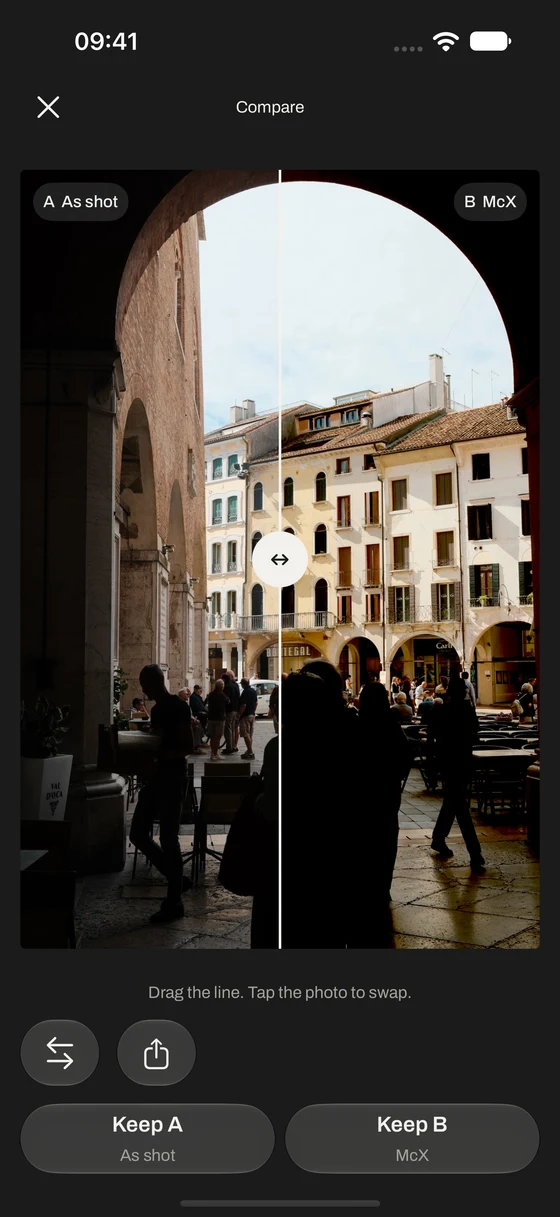
Compare before and after
Drag the line across the photo to see the original shot and the recipe at the same point in the image. You can also compare two different recipes and keep the one you prefer.
 Recipe Lab
Try film simulation recipes on your Fujifilm RAF files. Connect an X100VI, X‑T5 or X‑M5 by USB and let the camera develop the JPEG.
For iPhone with iOS 18 or later. Free download, paid full version.
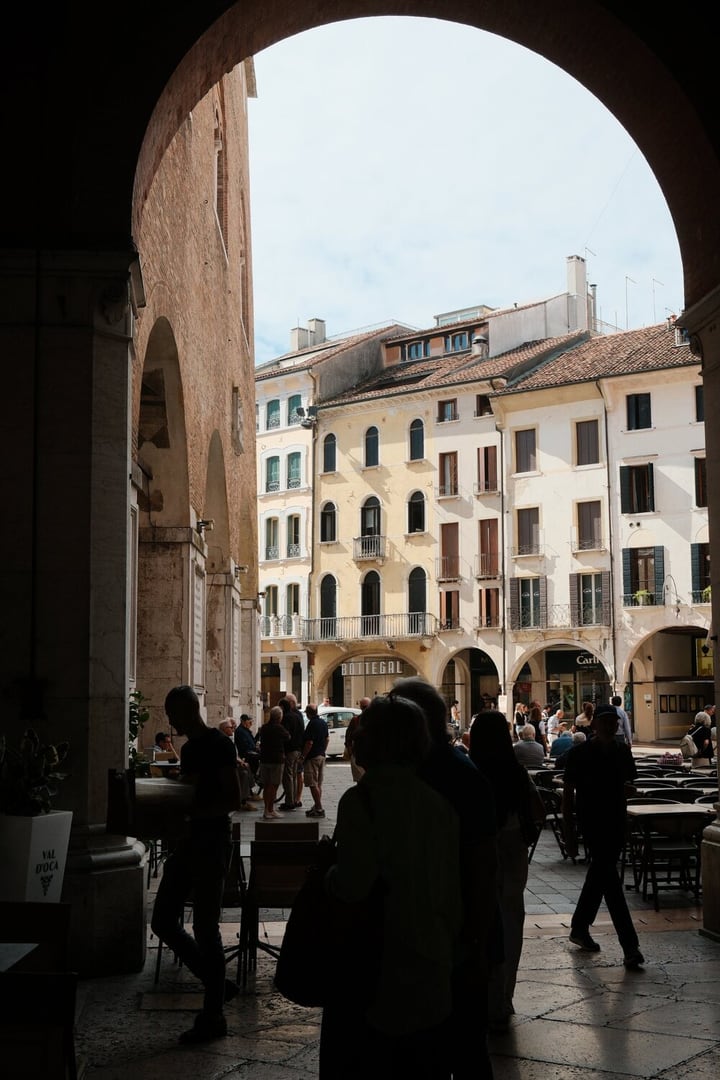
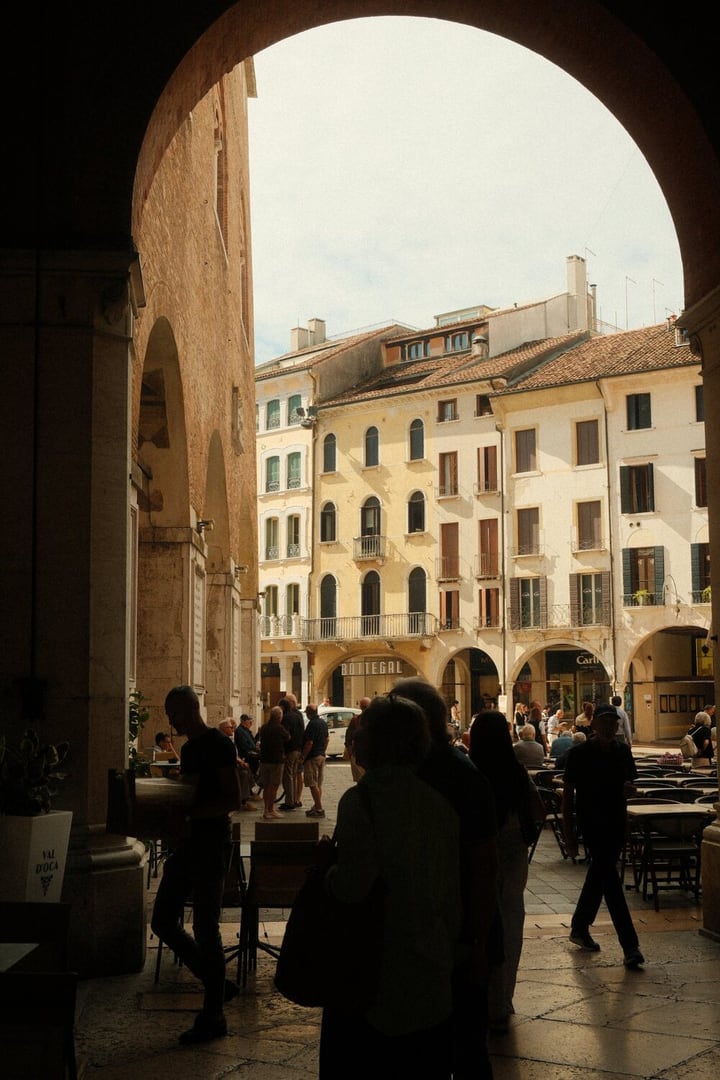
Connect the same camera model that shot the RAF with a USB data cable. On supported models, you can also import photos wirelessly; development uses USB.
Choose an Original, a recipe you created or one you imported from your camera’s saved slots.
At full resolution, in Photos. Add a white border and a card with every recipe setting if you want.
Drag the line across the photo to see the original shot and the recipe at the same point in the image. You can also compare two different recipes and keep the one you prefer.
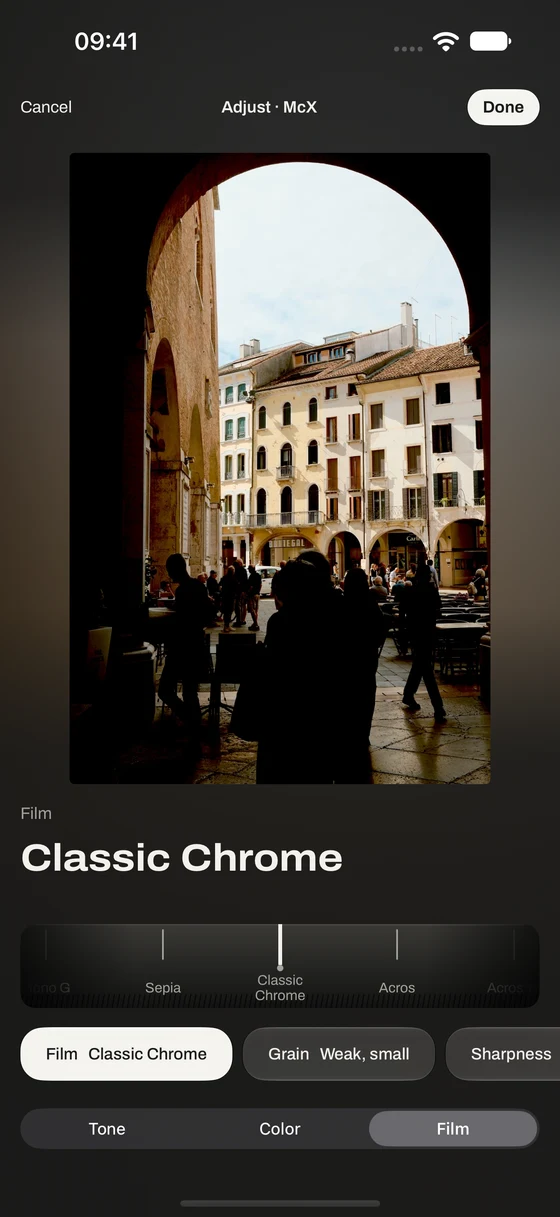
Set film simulation, dynamic range, highlights, shadows, colour, grain and white balance with controls based on the camera menus. Save an adjustment as a new recipe.
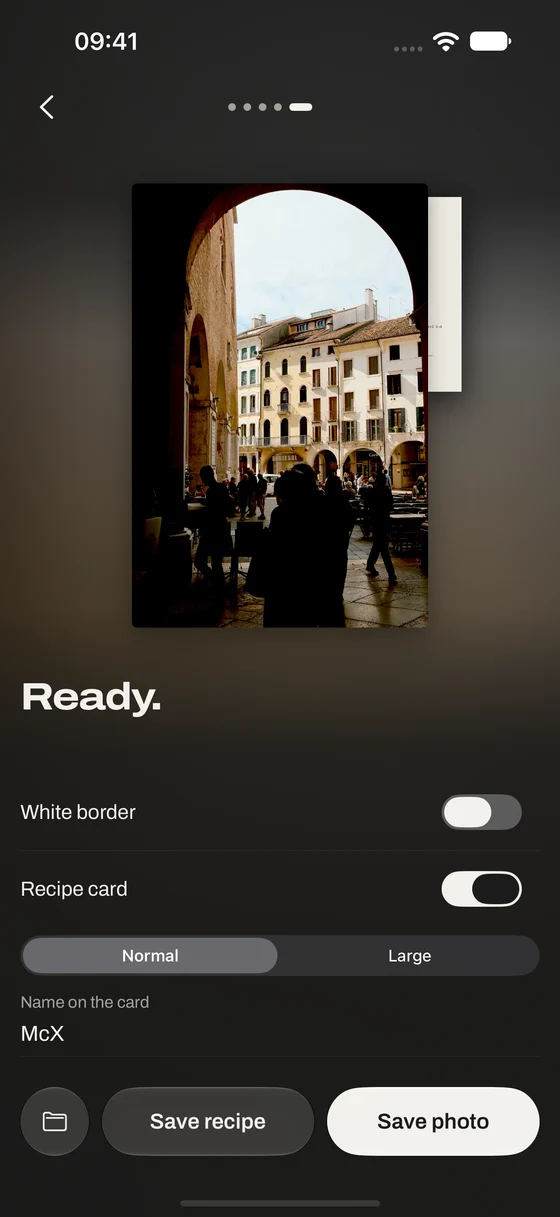
Save a card alongside your photo with the name, film simulation and every setting. It is handy to share, and lets you set up the recipe on your camera without getting a number wrong.
Each post is one shot developed in several ways by the X100VI, with every recipe’s settings in the caption.
Follow @getrecipelabExplore six film simulation recipes by Recipe Lab. See how each look handles real scenes, read the complete settings and try it on a RAF you already shot.
Inspired by the looks of Japanese street compacts

Rich greys, hard daylight and deep blacks. Two RAFs, a window and a leaf, developed with Neo-Realism, Street and Dolce Vita. Find the collection in Originals in Recipe Lab.

Recipe Lab supports the Fujifilm X100VI, X‑T5 and X‑M5. Use the same camera model that shot the RAF. All three models support Originals.
In USB development, the camera processes the RAF with its own engine. The RAF stays on your devices during development. Demo mode lets you try the app without a camera.
You need an account to save JPEGs and keep your recipes across devices. You can try the demo and import recipes from the camera’s slots without an account.
Free download, paid full version. See the App Store for the available offer.
No. Recipe Lab is an independent app and is not affiliated with Fujifilm.
Fujifilm’s official software is for macOS and Windows. Recipe Lab is an independent iPhone app that uses the camera connected over USB to develop the RAF.